
Feature · Practice tests and progress
Practice Test Generator With Instant Evaluation and Chapter Progress
StudyMate AI's practice test generator turns any chapter of a student's own textbook into a practice paper at the level they choose, evaluated instantly, with chapters then ranked weakest first.
5,000 free credits, no cardUpdated
- Turned into a practice paper on demand
- Any chapter
- Detailed evaluation, not just a score
- Instant
- Chapters ranked by results after each test
- Weakest first
- To set up, with nothing to install
- ~5 min
The problem
Why Rereading Isn't Enough Before a Test
Rereading a chapter feels like studying. It just doesn't show what a student can recall when the questions come.
It feels familiar
Seeing the same page again makes it feel known, even when the student couldn't explain it from memory.
Marks come back late
Homework and class tests are often marked after the class has moved on to the next chapter.
One average hides a weak chapter
A good overall score can sit on top of a chapter that still needs real work.
Our guide to active recall explains why testing yourself works better than rereading.
How it works
How the Practice Test Generator Works
Three steps turn tonight's chapter into a marked paper and a clear next step.
Pick a chapter and a level
Choose any chapter on the bookshelf and the difficulty for the paper.
Attempt it online
The paper is built from that chapter and attempted in StudyMate, with nothing to print or upload.
Get an instant evaluation
See what went wrong as well as the score, then check the progress report for what to study next.
Practice Papers From Any Chapter
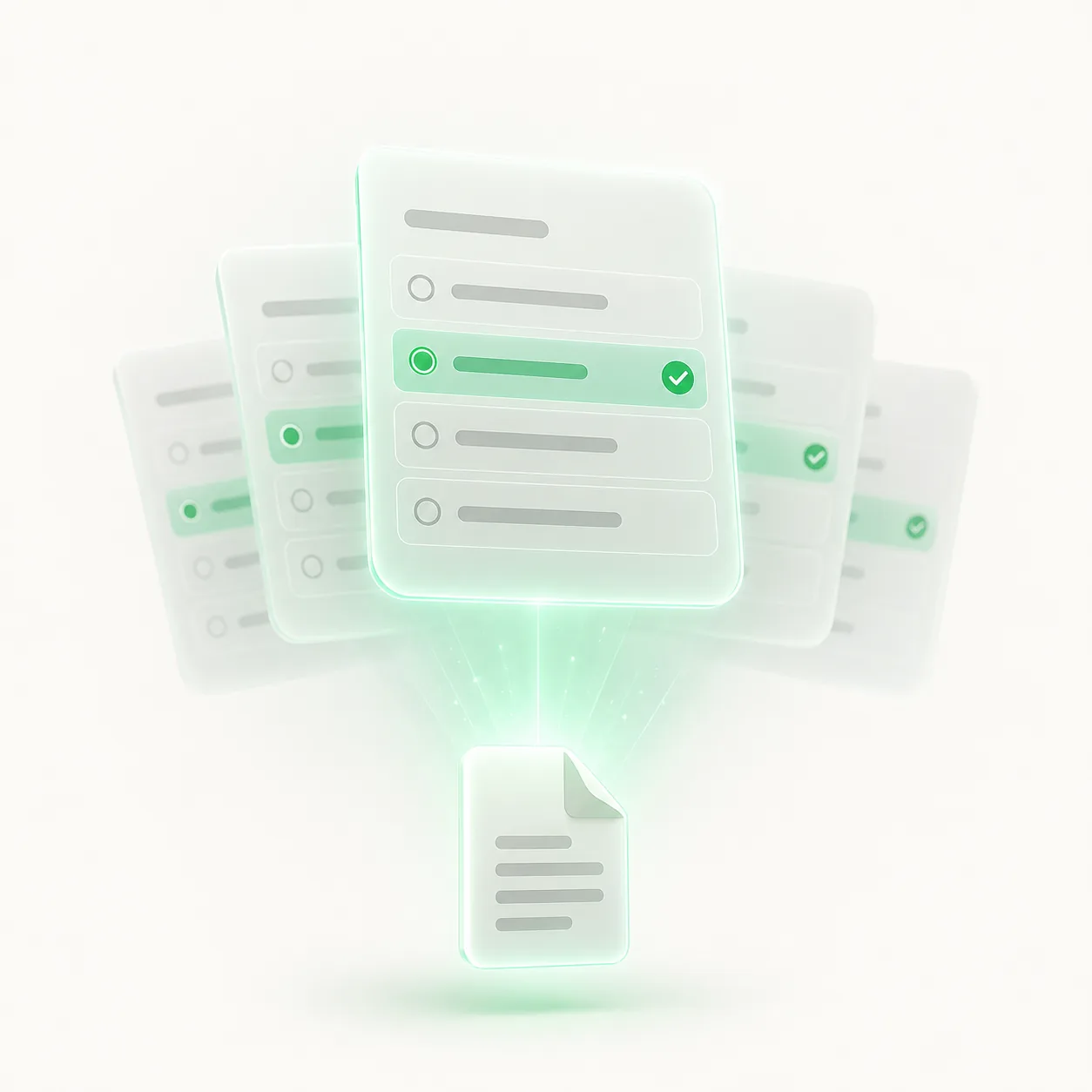
Rereading a chapter feels productive, but it rarely shows what a student can actually recall. Testing does. In StudyMate, the student picks a chapter and a difficulty and gets a practice paper built from that chapter, so practice stays inside what they are studying.
Because the papers come from the textbooks on their bookshelf, these chapter-wise practice papers follow the board and class chosen at setup. Questions can be multiple choice, short answer or true or false, and there is nothing to write, print or upload first.
Instant, Detailed Evaluation
Papers are attempted online and evaluated as soon as they are submitted. The evaluation is detailed, not just a score, so the student sees what went wrong as well as how many they got right.
Fast feedback matters because marked work often comes back after the class has moved on. With an AI test generator that evaluates on the spot, a mistake can be looked at while the chapter is still fresh, and the student can ask the chapter to explain it, with the page cited.
Progress by Chapter

After each test, the progress report shows which chapters have been covered and how the student performed in each.
One weak chapter can hide behind a good overall average, which is why the report breaks results down by chapter. The dashboard on our homepage shows the layout with labelled sample data, not a real student's results.
Progress report
What the Progress Report Shows
Every result feeds one report, so a student and a parent can see the same picture.
Chapters covered
Which chapters have been tested so far, and which haven't been touched yet.
Results by chapter
How the student performed in each chapter, rather than one number for everything.
Average, topics and streak
Average score across all tests, topics learned so far and days in a row of study.
What to study next
Chapters ranked from weakest to strongest, with the weakest at the top of the list.
What to Study Next
Chapters are ranked from weakest to strongest based on the student's results, and the weakest appears first. Starting there puts revision time where scores are lowest, instead of on the chapters that already feel comfortable.
The list updates after every test, so it always reflects the latest results. For more on reading a report like this, see our guide to tracking your child's progress.
Comparison
Practice Papers vs Rereading and Printed Sheets
Each has its place. Only one gives an instant, chapter-by-chapter answer to what to study next.
| Feature | StudyMate practice paper | Rereading the chapter | Printed practice sheet |
|---|---|---|---|
| Shows what can be recalled | Yes, by answering questions | No, the page is in front of the student | Yes, by answering questions |
| Feedback | Instant, detailed evaluation | None | When someone marks it |
| Difficulty | Chosen by the student | Not applicable | Fixed in advance |
| Chapter | Any chapter on the bookshelf, on demand | Whichever is open | Whatever the sheet covers |
| What to do next | Weakest chapter first, in the progress report | Not shown | Not shown |
Before an exam
From Practice Paper to Revision Plan
Before a big exam, this works as an AI revision generator: a paper on the weakest chapter, an instant evaluation, then the next chapter on the list. Revising for school or board exams? See AI revision for school exams.
Test the weakest chapter
Start with the chapter at the top of the what-to-study-next list.
Fix what went wrong
Read the evaluation, then ask the chapter to explain any mistake, with the page cited.
Move down the list
The report updates after each test, so the next chapter to revise is always at the top.
Our guide to practice papers before exams covers how many to do and when.
Who it's for
Who Uses the Practice Test Generator?
Anyone who wants to know what has stuck from a chapter, not just what has been read.
Students who reread
A quick paper turns a chapter they have read into a check of what they can recall.
Students facing exams
Chapter-wise practice papers for school tests and board exams, weakest chapter first.
Parents who want clarity
A chapter-by-chapter report to look through together, instead of a single overall grade.
Older learners
Anyone working through a school syllabus who wants to test themselves chapter by chapter.
FAQs
Practice Test FAQs
7 straight answers to what parents and students ask before they start.
Still have a question?
Email the team, or read the full FAQ on accounts, credits and data.
Can the student choose how hard the paper is?
Yes. The student chooses the difficulty when generating a paper from a chapter. Day-to-day practice also adjusts on its own: correct answers step the difficulty up and wrong answers step it down.
Are the papers from my child's own syllabus?
Yes. Papers are built from the chapters on the student's bookshelf, which follow the board and class chosen at setup.
Is the evaluation just a score?
No. Evaluation is instant and detailed, showing what went wrong as well as the score, and each result feeds the chapter-by-chapter progress report.
Do we have to print anything?
No. Papers are attempted online in StudyMate and evaluated as soon as they are submitted.
Which chapter does the report put first?
The chapter with the weakest results. After each test, chapters are ranked from weakest to strongest, so the list always starts where scores are lowest.
Is the homepage dashboard real data?
No. The dashboard on our homepage uses labelled sample data to show the layout of the progress report. It is not a real student's results.
What does it cost to start?
New accounts start with 5,000 free credits and no card is required. Setup takes about five minutes and there is nothing to install.
Keep going
Explore More StudyMate Features
Practice papers show the gaps. These features help close them.
Chat With Your Textbook
Ask any chapter a question and get a plain-language answer with the page cited.
Adaptive Tutoring
Practice that steps up only when the student is ready, across three levels.
Exam Revision
Chapter-by-chapter revision for school tests and board exams.
How It Works
From a new account to the first answer in about five minutes.
Your turn
Turn Tonight's Chapter Into a Practice Paper
Set up a free account in about five minutes, generate a paper from the chapter your child is studying and see the evaluation straight away.
5,000 free credits to start. No card required.
Get started in 3 steps
~5 min- 1Create an accountAbout 30 seconds
- 2Choose the board and classAbout 1 minute
- 3Open the hardest chapterAsk it anything
- Page cited on every answer
- Explains before it tests
- Nothing to install